
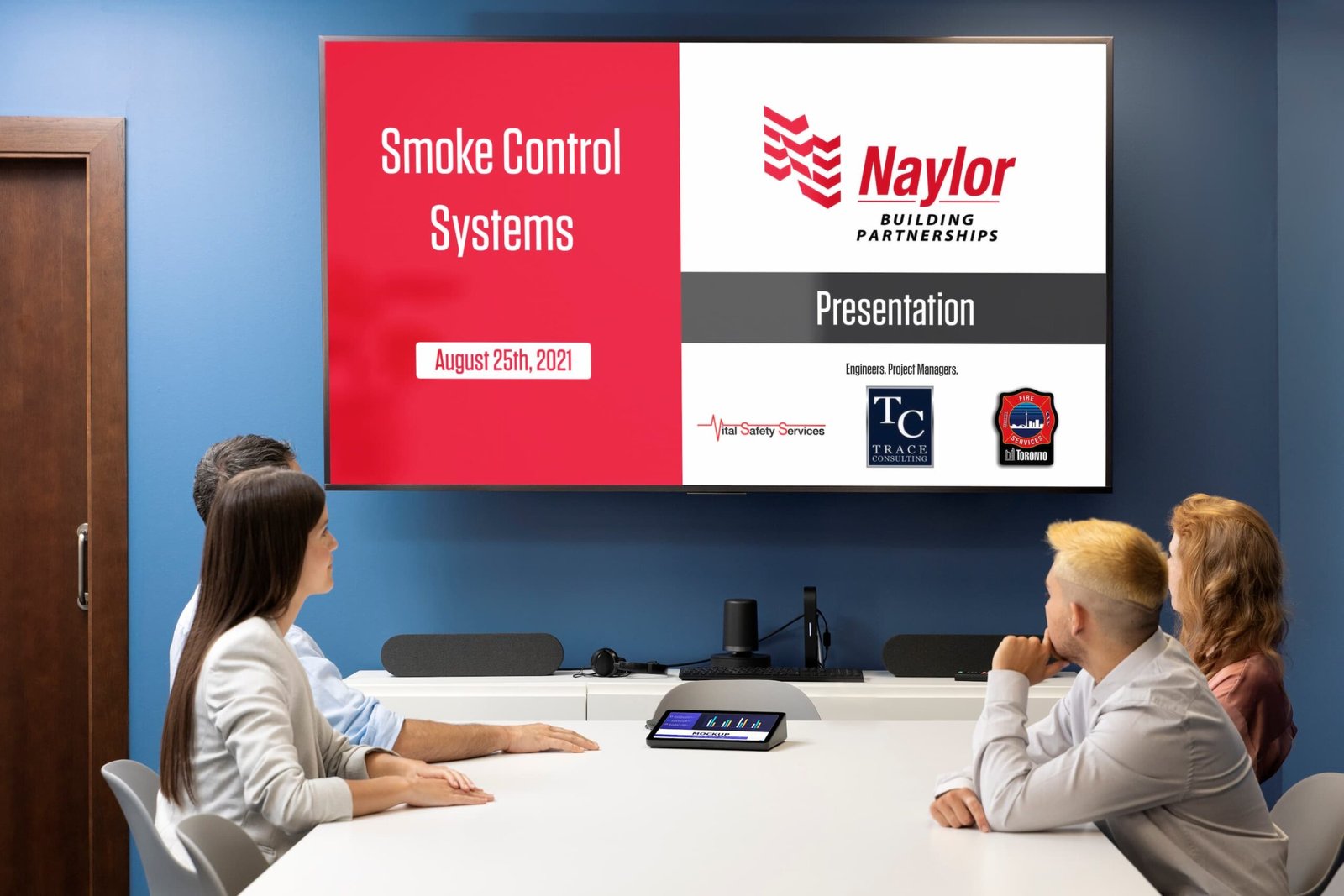
The Challenge
The client needed a corporate presentation that looked clean, powerful, and professional to communicate their system clearly to stakeholders.
My Approach
I focused on structured layouts, bold typography, and brand-aligned colors to keep the content easy to follow yet visually engaging.
What to Include in a Solutions Slider
- Design Language Showcase → Highlight how your designs follow consistent colors, typography, and layouts.
- Problem → Solution Flow → Show the client’s challenge and how your solution solved it.
- Before & After Visuals → Quick transformation view (e.g., old website vs. redesigned version).
- Unique Features → Call out special touches like animations, responsive design, or custom-built elements.
- Impact Numbers → Add simple stats like “+45% engagement” or “2x faster performance.”
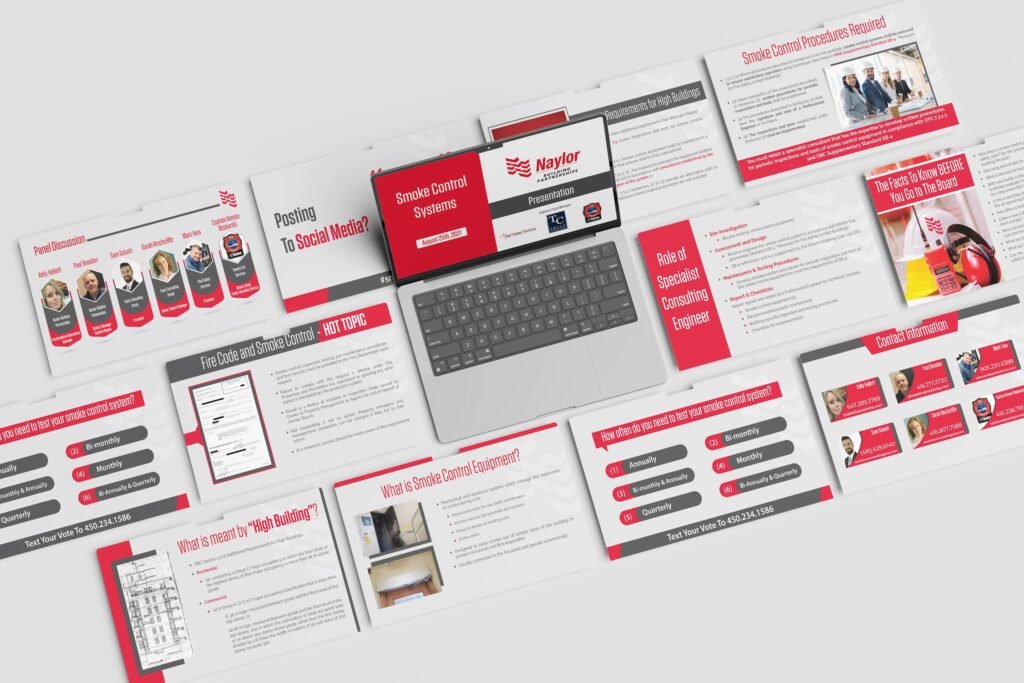
Why It Matters
- Builds trust by showing real, practical results.
- Reflects your creative process, not just the final design.
- Demonstrates problem-solving ability, which clients value most.
- Shows consistency in branding and design language.
- Creates a visual story instead of just a gallery.
Client’s Reaction
They appreciated the polished look and clarity, noting that it elevated the overall impact of their presentation.